Past General Meetings
TUESDAY, APRIL 14, 2026
GENERAL MEETING
Topics: UNDERSTANDING AUTONOMOUS VEHICLES
Speakers: Amber Christiansen and Lisa Kattan
Meeting Time: 7:00-9:00 PM – via Zoom Wherever you are
Questions & Answers: 6:30PM – 7PM
Self-driving cars are no longer science fiction they’re picking up passengers in cities across the country right now. But how do they work? Are they safe? And what does this mean for the way we get around? Amber Christensen and Lisa Kattan will explain how these cars “see” the road using cameras, radar, and laser sensors, how the onboard computer makes driving decisions, and what happens when the car encounters something unexpected. They’ll cover the role of human safety teams who monitor the vehicles remotely, and where the technology is headed next.
If you want to attend and are not a member of LACS, please send your full name and email address to leahjc@sbcglobal.net before or on April 12. You will receive the link to the Zoom meeting by email. You may also send any questions.
Meet Our Presenters:
Amber Christiansen is a Staff Technical Recruiter at Ambience Healthcare. She recruited engineers at Cruise, a self-driving car company, and at Meta (Facebook). She holds a degree from UC Santa Cruz
Lisa Kattan is working as a staff Technical Recruiter at Waymo, the self-driving car company operated by Google’s parent company, Alphabet. She is also a graduate of UCSC.
This FREE Meeting is OPEN to the PUBLIC.
WWW.LACSPC.ORG
TUESDAY, March 10, 2026 GENERAL MEETING
Topics: 1. Windows Performance Tune-up Speaker: Chris Taylor, APCUG
Meeting Time: 7:00-9:00 PM – via Zoom Socializing Questions & Answers: 6:30PM – 7PM
If your Windows computer is getting sluggish, you don’t have to reinstall Windows just to gain back lost performance. Chris Taylor, President of the Ottawa PC Users’ Group, will demonstrate and explain how to safely use many native and free 3rd-party tools to speed up Windows. Meet Our Presenter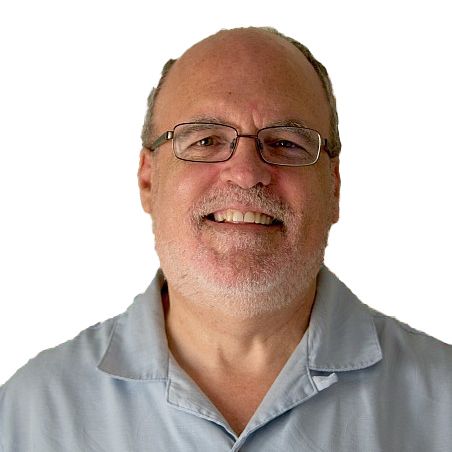
TUESDAY, FEBRUARY 10, 2026 GENERAL MEETING
Topics: 1. Declutter Your Digital Life Speaker: Judy Taylour, APCUG Speaker
Meeting Time: 7:00-9:00 PM – via Zoom Socializing and Questions & Answers: 6:30PM – 7PM
You invest a lot in your devices—this presentation shows you how to get the most out of them. Digital clutter builds up. It slows your computer, fills your phone, and makes everyday tasks more frustrating. Regular decluttering keeps everything running smoothly to reduce stress. In this session, Judy shares simple, practical ways to clean up your digital life, get organized, and boost your device’s performance. You’ll learn easy steps to work faster, stay safer, and feel more in control of your technology. Meet Our Presenter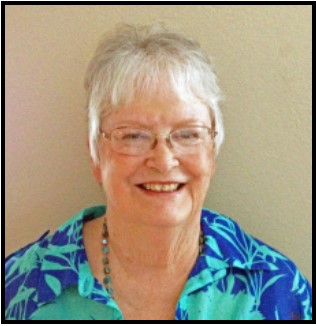
TUESDAY, JANUARY 13, 2026 GENERAL MEETING
Topics: 1. Edge Browser’s Secrets 2. Windows and Mac: Bridging the Gap Speaker: William (Bill) James. APCUG Speakers Bureau Meeting Time: 7:00-9:00 PM – via Zoom Socializing and Questions & Answers: 6:30PM – 7PM The Edge Browser is more than a way to get to a place on the internet. It has Bing, Copilot, and other features. Many of us use more than one browser, and it’s good to know how each one operates. The Windows & Mac talk is something most of us don’t know much about. Some members have Apple equipment and/or iPhones, so it is good to learn more about using them. Meet Our Presenter
TUESDAY, November 11, 2025 GENERAL MEETING
Topic: Artificial Intelligence (AI): Fun and Useful Tips
Speaker: Chris Taylor APCUG Speaker
Meeting Time: 7:00-9:00 PM – via Zoom Socializing and Questions & Answers: 6:30PM
In our digital world, our bodies are paying the price for long hours spent in front of screens. This presentation explores the hidden toll of modern technology on physical health, focusing on common but often overlooked conditions, including Computer Neck Syndrome, Tech-Related Eye Strain, Mouse Shoulder Syndrome, Computer Back Issues, Butt Syndrome, and Repetitive Strain Injury (RSI). Meet Our Presenter Artificial Intelligence (AI) tools have exploded over the last few years. They can supercharge your web searches and help you find the most relevant information; generate images and videos from text prompts; summarize web pages, YouTube videos, and PDF files; help you accomplish tasks in your programs; assist with creative writing; and more. Chris Taylor, President of the Ottawa PC Users’ Group, will show you how easily it can be done and how to avoid dreaded “AI hallucinations.” And you can do it all for free.TUESDAY, October 14, 2025 GENERAL MEETING
Topic: Butt, Neck, Eyes. Oh My! Surviving Screen Time
Speaker: Judy Taylour APCUG Speaker
Meeting Time: 7:00-9:00 PM – via Zoom Socializing and Questions & Answers: 6:30PM
In our digital world, our bodies are paying the price for long hours spent in front of screens. This presentation explores the hidden toll of modern technology on physical health, focusing on common but often overlooked conditions, including Computer Neck Syndrome, Tech-Related Eye Strain, Mouse Shoulder Syndrome, Computer Back Issues, Butt Syndrome, and Repetitive Strain Injury (RSI). Meet Our PresenterTUESDAY, September 9, 2025 GENERAL MEETING
Topic: How To Buy a PC
Speaker: Chris Taylor APCUG Speaker Bureau
Meeting Time: 7:00-9:00 PM – via Zoom Socializing and Questions & Answers: 6:30PM
When buying a PC, you are faced with many choices:-
- Laptop or desktop
-
- Intel or AMD processor
-
- How big a monitor
-
- How many cores in the processor
-
- Intel or AMD processor
-
- Size of storage,
-
- Buy a faster processor or more memory
TUESDAY, August 12, 2025 GENERAL MEETING
Topic: How the Electric Telegraph Changed the World
Speaker: J.B. Burke Prescott Computer Society, APCUG Speaker Bureau
Meeting Time: 7:00-9:00 PM – via Zoom Socializing and Questions & Answers: 6:30PM
Meet Our Presenter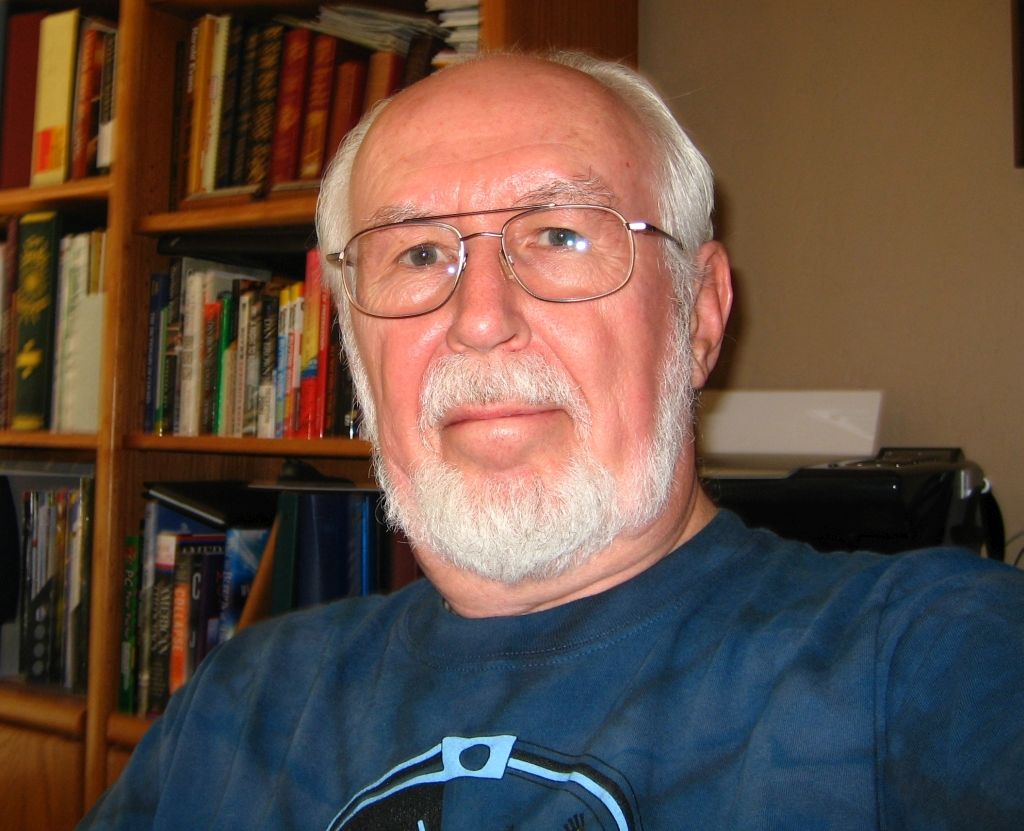
TUESDAY, July 8, 2025 GENERAL MEETING
Topic: 1. Digital Wallets: Exploring New Ways to Pay 2. Netiquette: Email Tips and Tricks
Speaker: Judy Taylour
Meeting Time: 7:00-9:00 PM – via Zoom Socializing and Questions & Answers: 6:30PM
1. Learn how digital wallets are transforming the way we pay, exploring their features, benefits, and increasing influence on everyday transactions. We’ll cover major digital wallet platforms, ranging from smartphone apps to web-based services, and delve into the benefits: security, convenience, and speed. See how these innovations are shaping consumer habits.
2. As our world becomes increasingly virtual, email etiquette is more important than ever. Judy will offer practical tips for clear, effective communication, like which closings get better results and how formatting choices can impact tone. Learn simple strategies to improve your digital interactions and avoid common misstepsTUESDAY, June 10, 2025 GENERAL MEETING
Topic: Embracing the AI Age with Practical Applications for Seniors
Speaker: Hewie Poplock, Sarasota Technology User Group and Central Florida Computer Society. APCUG Speakers Bureau
Meeting Time: 7:00-9:00 PM – via Zoom Socializing and Questions & Answers: 6:30PM
Hewie will demonstrate how we are embracing the age of artificial intelligence (AI). He provides an overview of what AI is, explaining that it is a technology that helps computers think and learn like humans. Hewie highlights the chatbot ChatGPT as an example of AI having human-like conversations. The presentation delves into the various ways AI is being used, such as in developing medicines and vaccines, medical imaging analysis, and autonomous vehicles. It also covers concerns about AI, including unemployment, bias, accountability, privacy, and ethics. There will be many examples of AI to amaze you
TUESDAY, May 13, 2025 GENERAL MEETING
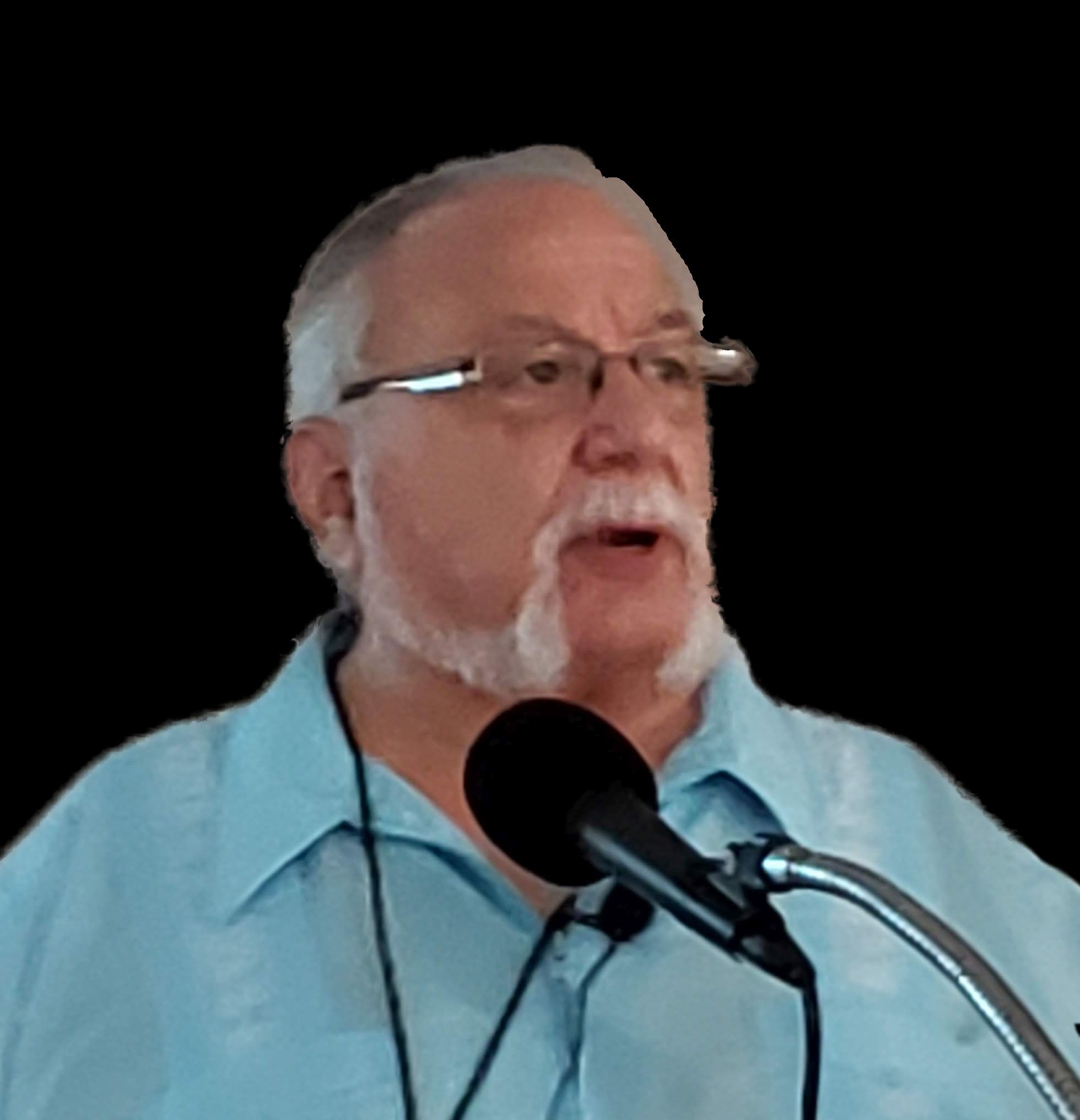
Topic: Password Management With Bitwarden Speaker: John Kennedy, Member of the East-Central Ohio Technology User Club and the APCUG Speakers Bureau; APCUG Advisor for Regions 3 and 6. Socializing and Questions & Answers: 6:30 – 7:00 PM
Are you using a password manager? Do you try to remember your usernames and passwords? Keep them in a notebook? On your hard drive? John talks about why you should use a password manager and what the FREE Bitwarden can do for you. The two main reasons he uses a password manager are speed and convenience.

TUESDAY, April 8, 2025 GENERAL MEETING
Topic: Google from 30,000 Feet Speaker: Rob Truman, APCUG Speakers Bureau Computer Booters of Sun Lakes Computer Club, AZ Socializing and Questions & Answers: 6:30 PM Rob Truman will show us how to use these popular Google products: Search, Google Drive, and Google Docs. How do they compare with other programs? Any limitations? He will also discuss Google tracking and how to minimize your online exposure.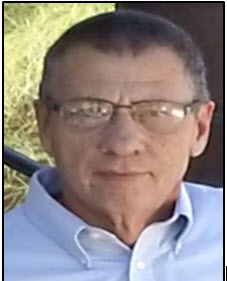
TUESDAY, March 11, 2025 GENERAL MEETING
Topic: Automobile Software: Android Auto, Apple Car Play, and Other Apps Speaker: Bill James, APCUG Speakers Bureau Member of the Computer Club of Oklahoma City Meeting Time: 7:00-9:00 PM – via Zoom Bill will tell us how to use and operate our car’s software so that you can install your favorite entertainment, news, maps, and other software for the Android Auto and/or Apple CarPlay systems. Learn safe ways to call or an-swer the phone using the car’s built-in voice recognition system. Learn how to write and read a text safely. What is each button for? How do you connect or pair your smartphone to your car? Bill’s car has an infotainment system incorporating Apple Car Play and Android Auto.TUESDAY, FEBRUARY 11, 2025 GENERAL MEETING
Topic: The Wonders of Cell Phones Speaker: Bill James, APCUG Speakers Bureau, Member of the Computer Club of Oklahoma City Meeting Time: 7:00-9:00 PM – via Zoom Socializing and Questions & Answers: 6:30 PM Cell phones have become indispensable tools, offering a remarkable array of functionalities that cater to diverse aspects of daily life. They enable seamless communication through voice calls, text messages, and video conferencing, bridging distances and fostering connections worldwide. With GPS and mapping applications, phones ensure users can easily find their way or plan trips. Health and fitness tracking is made possible with apps and sensors that monitor activity levels, heart rate, and sleep patterns. Phones provide quick access to information for reading news, shopping online, or researching a topic. They can be carried hands-free with various accessories.JANUARY 14, 2025 GENERAL MEETING TOURING THE WEB
Speaker: J. B. Burke, APCUG Speakers Bureau and President of the Prescott Computer Society, Arizona
Meeting Time: 7:00 to 9:00 PM — via Zoom Socializing and Questions & Answers: 6:30 PM The World Wide Web (“the Web”) is immense. Depending on where you look, there are, or were, more than a billion websites. But only 193,890,945 are currently active. One website estimates that Google had indexed 58 billion web pages by 2020. Some are interesting, informative, educational, entertaining, and even weird. J.B. looks for all of those. J.B. saves them whenever he finds a spare moment to create his “Touring the Web” programs. They include web pages, videos, images, and other tidbits that will, hopefully, keep you entertained for an hour or so. J.B.’s presentation changes every couple of months. We enjoyed his programs in November 2022 and May 2024. We will have our usual Q&A session. Since he teaches, he probably can answer many PC questions. About the Speaker:—————- 2024 ——————
NOVEMBER 12, 2024 GENERAL MEETING Topic: Encryption Software Speaker: Mark Schulman, APCUG Speakers Bureau, Member of the Central Florida Computer Society Meeting Time: 7:00 to 9:00 PM — via Zoom Socializing and Questions & Answers: 6:30
Losing a laptop or flash drive may mean you’re out of money, but it doesn’t have to mean that your private data leaks into the world. Learn how to use encryption software to protect your private data on a PC, laptop, external hard drive, or USB flash drive. This is a continuation of Mark Schulman’s September presentation on Internet Security.About the speaker:

Mark Schulman, an IT expert, has been a computer instructor, software designer, and small business owner. He consulted for major corporations, worked on large software development projects, and taught computer and programming courses. He wrote or co-wrote seven computer books published by Que Corporation. Mark is the IT manager for a group of family practice physicians. He gave us a great program on “Computers to the Moon” in May 2023. He presented last April on “Preserving Digital Photos” and “Backups in a Busy World”, and on Internet Security in September 2024.
OCTOBER 8, 2024 GENERAL MEETING
Meeting Time: 7:00 to 9:00 PM — via Zoom Socializing and Questions & Answers: 6:30
Topic: Are you prepared for the Big One Speakers: Mark and Marsha Presky, LACS members. with Jose Morataya The Community Emergency Response Team (CERT) was developed by the Los Angeles Fire Department after examining the civilian responses to Japanese and Mexico City earthquake disasters in 1985. Over 100 untrained volunteers died due to the Mexico City earthquake. Neighborhood fire departments train volunteers for free. CERT training includes first aid, victim medical triage, search and rescue, cribbing, two-way radio training, terrorist response training, and setting up a command post, staging area or morgue. You could join the Neighborhood Team Program (NTP) which helps neighbors prepare for mass casualty disasters. We know that a major earthquake will hit Southern California. We just don’t know when. How should you prepare? Mark, Marsha, and Jose will help you learn.
Mark, a LACS director, and Marsha, have taken CERT courses from the L.A. Fire Department. Mark graduated from UC–Davis and worked in pathology for the UCLA and UCLA and Tarzana Medical Centers for many years.
SEPTEMBER 10, 2024 GENERAL MEETING
Meeting Time: 7:00 to 9:00 PM — via Zoom Socializing and Questions & Answers: 6:30
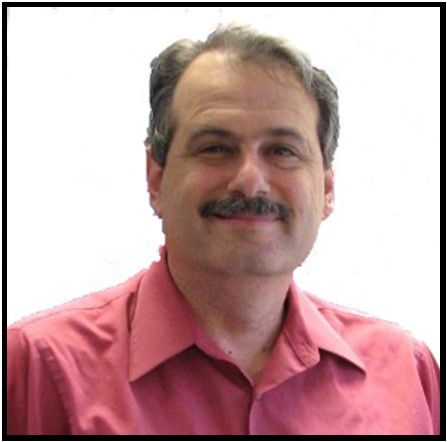
AUGUST 13, 2024 GENERAL MEETING Meeting Time: 7:00 to 9:00 PM — via Zoom Socializing and Questions & Answers: 6:30 Topic: Gmail and Google Drive—Some Tips and Tricks Speaker: Rob Truman, APCUG Speakers Bureau Computer Booters of Sun Lakes Computer Club, AZ Gmail has a built-in spam filtering system and provides 15GB of free storage. Learn about the variety of time-saving features, letting you automate some emailing tasks, integrate your calendar and contacts, and customize your dashboard to suit your own needs. Our discussion of Gmail will be followed by an overview of Google’s cloud storage offering; Google Drive. Meet our presenter:

JULY 9, 2024 GENERAL MEETING Topic: Typography – the Art and Science of Written Communications Typography—the art and technique of arranging type—has been around for hundreds of years and is constantly evolving. Good typography makes text easy to read and can be eye-catching. Bad typography can be distracting and hard to read. Chris will describe the somewhat arcane terminology used. He will discuss some of the historical significances of type. He will delve into the subjective nature of choosing typefaces: what makes a typeface more or less readable, how and when to combine multiple typefaces, what emotions are evoked in readers, and how to avoid common faux pas.
JUNE 2024
MAY 2024 GENERAL MEETING Topic: Touring the Web Speaker: J. B. Burke, APCUG Speakers Bureau and President of the Prescott Computer Society The World Wide Web, or just “the Web,” is immense. A quick search tells us there are about 4.2 billion indexed pages. Among all those, some are interesting, informative, educational, entertaining, and even weird. JB Burke looks for all of those. While making his morning coffee, when he is eating lunch, and whenever he finds a spare moment, JB saves them to create this “Touring the Web” program. It consists of web pages, videos, images, and other tidbits that will, hopefully, keep you entertained for an hour or so. JB’s presentation changes every couple of months. He spoke to us on this topic in November 2022. We will have our usual Q&A session, but since he teaches, he probably can answer many PC questions. If this finishes a while before 9:00 PM, we may show one of the many APCUG YouTube channel programs that anyone can watch at any time.
APRIL 2024
FEBRUARY 13, 2024 Topics: 1. Comparing Windows 11 with Windows 10 2. Chromebooks Speaker: Bill James, APCUG Speakers Bureau
-
- Comparing Windows 11and Windows 10. They look quite different, but much of what we like to use is still the same. Bill will describe what’s new, what’s changed, and what is no longer included. Then, he will try to help you decide if Windows 11 is for you now or if you will stay with Windows 10 for a while. You have until 2025 to make up your mind.
-
- Chromebooks: Bill will give you a hands-on demonstration of his Chromebook. He believes it can be a great alternative laptop, and he would love to show you its capabilities.
JANUARY 9, 2024 GENERAL MEETING Topic: Recommended Websites
Speakers: Stephanie Nordlinger, LACS Vice President, YOU and any attendee Most of us have visited the internet often for years, but you probably have not found all of the great websites. All of us will discuss places where you can learn about using your computer, mobile phone, etc. The second half will cover websites for shopping, science, politics, hobbies, sports, music, entertainment, medicine, travel, recipes, etc. I intend to email LACS members a page list of some of the topics and websites we should discuss. Joining organizations and getting on email lists and podcast sites that discuss the things you care about is helpful. Much is free, and digital subscriptions are often less expensive than paper ones. Many websites offer free or nearly free events, webinars, publications, tech support, etc. Consumer Reports and National Geographic give more information to digital members than to paper subscribers or non-subscribers.. Washington Post Live has numerous free interviews each week live and on its website. The New York Times sends emails on recent developments on science and many other subjects.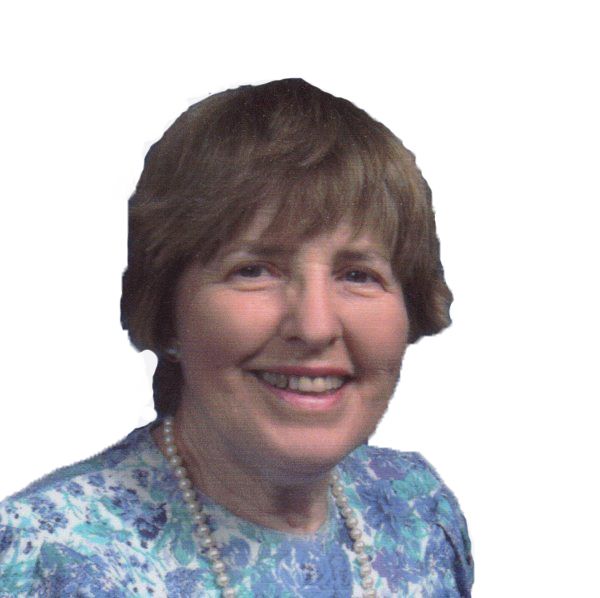
—————- 2023 ——————
NOVEMBER 14, 2023, GENERAL MEETING Topic: Useful Utilities and Accessibility Speaker: Judy Taylour, APCUG Regional X Advisor and Speakers Bureau, SCV User Group President and Webmaster Useful Utilities − A utility is an app that performs a specific task and adds functionality to your computer or helps your computer perform better. We all have our favorites: system monitoring, backing up, system maintenance, password management, virus protection, and more. Judy shares some of her favorite apps. Please plan to share one or two of your favorites during the Q&A part of the meeting. Hopefully, we will all learn about at least one new utility we want to try. Accessibility – Help! Can’t see, can’t hear, can’t touch. Accessible and assistive technology has been designed for the needs of many different users. To the extent there is enough time, we will explore software, hardware, peripherals, and accessible and assistive technology to help make the computer, phone, or tablet easier to use.
OCTOBER 10, 2023 GENERAL MEETING Topic: Members’ Favorite Programs, Apps & Websites Speakers: LACS Members and Guests Our members and their guests have lots of experience using computers and smartphones. Let’s share that knowledge. Let’s discuss good and bad programs, apps and websites. No one has to make a long presentation, but Stephanie will start the program with some of her ideas. You can share your screen, just talk, or ask relevant questions. We will get to know each other better and probably get some good ideas to try and maybe things to avoid. You can learn where to get information and webinars so that you can learn more than you get in our monthly meetings and User Friendly. Everyone may participate when called upon (click on “Raise Your Hand” in Zoom’s task line). If you want to talk for more than a few minutes, please let Stephanie know in advance what you will present and how much time you may need. Advance planning will make it a better organized program. If you want help in preparing your presentation including using Zoom, Leah or Stephanie can help. Or a few of you can ask for help in the 6:30-7:00 period. The more you want to say, the more it helps to plan it and try it out in advance. To make things easier for attendees to hear, it helps to share a page with the names of products and /or the internet URLs, or to put it in Chat. A Florida computer user group has a monthly meeting (SIG) for technical help for members. We could consider doing that. The meeting will be recorded, so you will be able to review anything that interests you.
SEPTEMBER 12 2023 GENERAL MEETING TOPIC: Practicing Safe Computing in the Time of Artificial Intelligence (AI) SPEAKER: Hal Bookbinder We all depend on reliable computing, data storage, and access across the Internet. Cyber crime and cyber terrorism have caused service disruptions, personal data being exposed, and millions of dollars in ransoms being paid. As the sophistication of cyber riminals grows, this will likely get worse. Scams can also challenge us, and Artificial Intelligence will make current scams more dangerous and will introduce new ones. Even in the absence of bad actors, computers become corrupt and storage devices fail resulting in the potential loss of years of work. This talk discusses the risks, the myths, ways to reduce the likelihood of being hacked, and how to minimize the impact of data breaches, network and computing failures that occur.
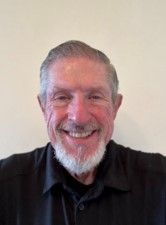
AUGUST 8 2023 GENERAL MEETING Topic: Adobe PhotoShop Elements Speaker: Gilbert Ialongo, LACS member Former LACS Vice President and Webmaster Adobe has a full line of picture and video editing programs. Gilbert will show Adobe Photoshop Elements, the family and student versions of Photoshop. He will show a picture before and after editing it and discuss what has to be done to get the final version. Then he will focus on some features of Elements. Finally, he will apply those learned skills to edit a picture and answer your questions.

JULY 11 2023 GENERAL MEETING Meeting Time: 7:00 to 9:00 PM via Zoom Socializing and Q and A: 6:30-7:00 PM Topic: AnyDesk, remote desktop software Speaker: John Kennedy East-Central Ohio Technology User Club APCUG Speakers Bureau APCUG Advisor for Regions 3 and 6 A “picture is worth a thousand words” as we are told. The same goes for being able to see a person’s computer problems. AnyDesk lets you see someone else’s computer screen and talk to them about their problems. And when they are having trouble trying to do what you tell them, you can take over their keyboard and their mouse with your mouse. John can solve a computer problem with AnyDesk in about 10 minutes that he could not solve after 25 minutes over the phone. He will also briefly compare AnyDesk with TeamViewer and Microsoft’s program in Windows 10 and 11. The free version of AnyDesk is fine for our purposes. A Help desk for a business or a large organization might need a paid version. Both AnyDesk and TeamViewer are very easy to learn.
JUNE 13, 2023 GENERAL MEETING Topic: Artificial Intelligence – New Kid on the Block Speakers: Judy Taylour, APCUG Speakers Bureau President and webmaster, SCV Computer Club Stephanie Nordlinger, LACS VP Judy Taylour will give us an overview of Artificial Intelligence with ChatGPT, inluding the history of AI, what it is, what you can do with it, and ChatGPT schemes to look out for. After Q&A, Stephanie will show us four short ChatGPT videos.
MAY 9, 2023 GENERAL MEETING Speaker: Mark Schulman, APCUG Speakers Bureau Topic: Computers to the Moon How did the United States manage to get humans to the moon in the 1960s at a time when PCs didn’t exist and computers were the size of a small warehouse? “Computers to the Moon” tells the story of computers aboard early U.S. spacecraft, leading to the monumental and little-known effort to create a computer capable of landing a spacecraft on the moon. From our highly-technical society today, it’s easy to look back half a century and believe that a real spacecraft computer was impossible. But the history of the pioneering Apollo Guidance Computer demonstrates that ingenious, motivated, dedicated engineers and software developers, even half a century ago, could accomplish amazing things. In this talk, you will learn what they created, how it worked, and get a glimpse of what a real moon landing looked like.
APRIL 11, 2023 GENERAL MEETING Meeting Time: 7:00 to 9:00 PM via Zoom Speaker: Judy Taylour, APCUG Speakers Bureau Topic: What’s cooking? Home Automation in your Kitchen. Turn your kitchen into one that works for you and makes it fun to do everyday kitchen tasks.
MARCH 14, 2023 GENERAL MEETING Meeting Time: 7:00 – 9:00 PM – Via Zoom Socializing and Questions & Answers: 6:30 – 7:00 Topic: Everything Google Speaker: Bill James, APCUG Speakers Bureau You may use Google daily, but there is a lot you probably don’t know about the company, its operations, and its hardware and software. We will explore the vast world of Google hardware and software. Google strives to have the most comprehensive and diverse suite of apps and hardware that work together on various operating systems. Its Chrome browser is the foundation of its platform and the Chromebook Operating System. All Google software is web-based and free; none resides on your computer. Each app is designed to work seamlessly with the others to make a cohesive system. We will look at Google hardware and some popular and some more obscure apps and how they interact. Bill will show us how to use Google’s products and software better. You can ask questions at the end of the program.
FEBRUARY 14, 2023 GENERAL MEETING Meeting Time: 7:00 – 9:00 PM – Via Zoom Socializing and Questions & Answers: 6:30 – 7:00 Topic: Making Your TV Smart Speaker: Hewie Poplock, member of APCUG’s Speakers Bureau Anyone who has a fairly fast internet connection and a TV can have Smart TV streaming channels that provide lots of entertainment and information. Newer TVs have built-in smartness. Older TVs need inexpensive hardware like a Roku device or an Amazon firestick. Then you create accounts (free or not) with companies that provide the TV or movies you want to see. You can use cable or satellite TV services and other providers on the same TV. He will introduce you to the websites of various channels. Their software helps you to find the programs you want. You can watch programs on many devices –computers, iPads, smartphones, etc. You can create watchlists and use a DVR. Hewie will tell you how this works and answer your questions. After his Smart TV talk, Hewie will show you other free ways you can learn about computers online.
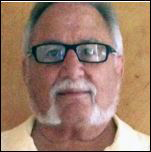
JANUARY 10, 2023 GENERAL MEETING Meeting Time: 7:00 – 9:00 PM – Via Zoom Socializing and Questions & Answers: 6:30 – 7:00 Topic: Cyber-Security in the Digital Age – Part I Speaker: Norbert (Bob) Gostischa, APCUG Speaker’s Bureau (Video) Stephanie Nordlinger will play excerpts from Mr. Gostischa’s November 12, 2022 APCUG talk from YouTube and give members an opportunity to discuss their experiences and ask questions about each subject he covers. The topics: (1) The most dangerous threats, especially Phishing and how to avoid it, (2) Your Digital Footprint, and (3) Tools (mostly free software) to make your computer or smartphone more secure and faster operating. Some members might want to try some of these programs and tell us your opinions: Ccleaner, Recuva, Patch My PC, Complete Internet Repair (for non-ISP problems), Speccy, Unchecky and password managers. Our February 14 meeting will cover additional security topics (with slides from another presenter).
———-END OF 2023——————-